Super CutsTry free ↗

YOUR EDIT. LESS FRICTION.

Edit faster in
Premiere Pro.

AI-assisted editing, captions, audio, assets and motion — directly inside Premiere Pro.

One payment · 2 devices · No subscription
SUPER CUTSIN PREMIERE PRO
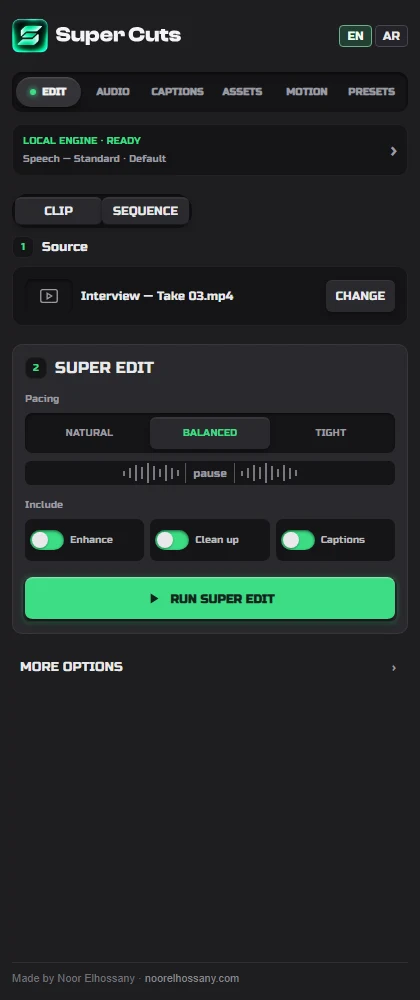
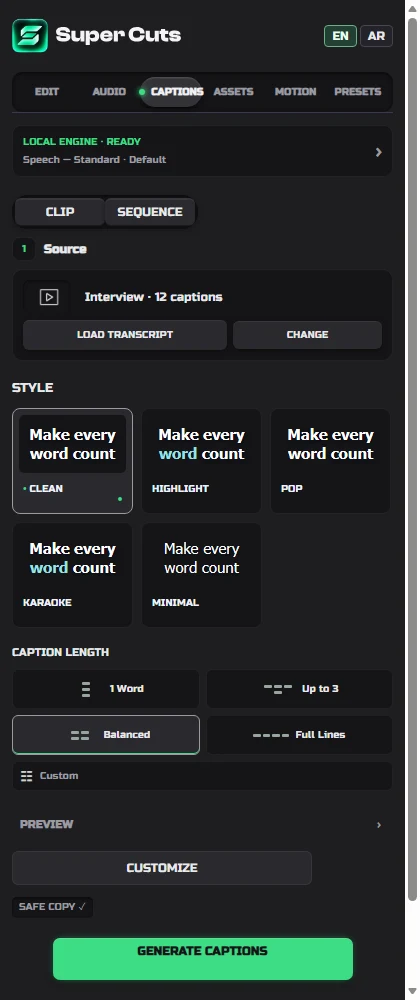
Super Cuts Edit panel with pacing choices and safe copy workflowCaption style cards in Super Cuts

Super Cuts interface preview

EditAudioCaptionsAssetsMotionPresets

ONE TOOLKIT. YOUR WORKFLOW.

Stay in the edit.

EDIT

Make the first cut.

Clean up dialogue and build your edit on a safe sequence copy.

  • Super Edit
  • Natural · Balanced · Tight
  • Enhance → Cleanup → Captions
Super Cuts edit interface preview

AUDIO

Let the voice through.

Shape speech with local processing and a preserved source.
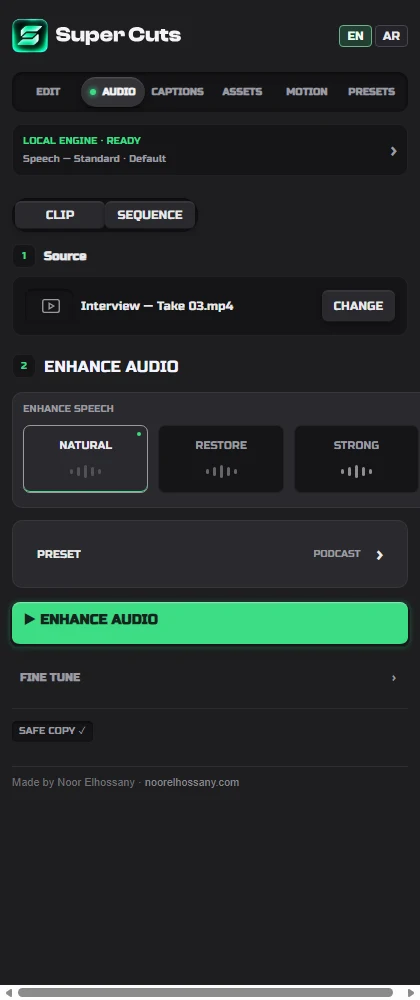
  • Natural · Restore · Strong
  • Local audio tools
  • Safe sequence copy
Super Cuts audio interface preview

CAPTIONS

Make every word land.

Style English and Arabic captions, then refine them on the timeline.

  • Gradients · Glow · Animation
  • Editable typography & layout
  • Super TAG handoff
Super Cuts captions interface preview

ASSETS

Find the missing shot.

Search and preview media from the available connected providers.
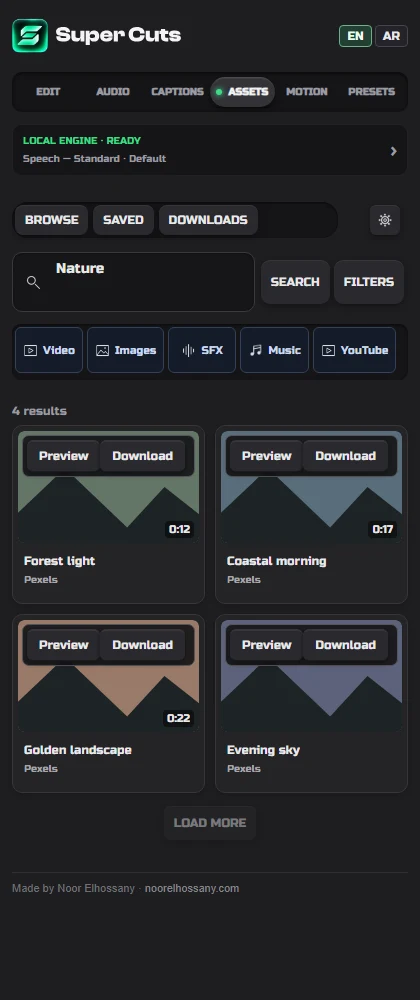
  • Search & preview
  • Downloads & cache
  • Provider availability varies
Super Cuts assets interface preview

MOTION

Give the cut momentum.

Apply motion with a review step before it reaches your timeline.
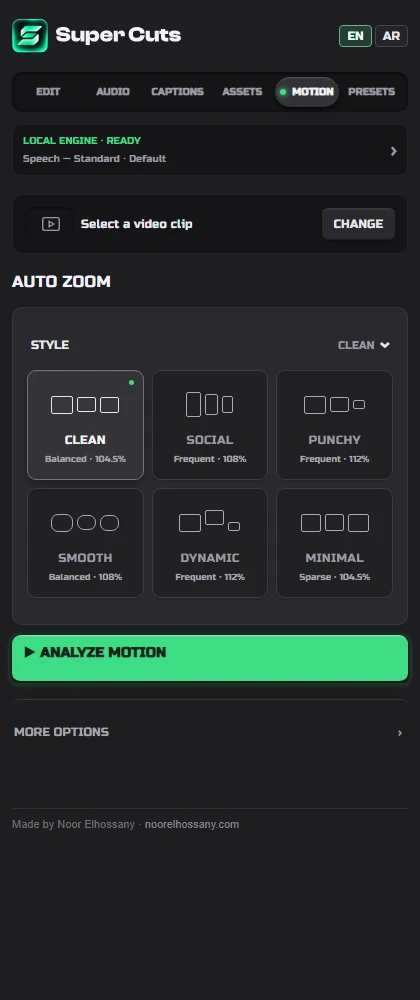
  • Clean · Social · Punchy
  • Zoom modes & motion blur
  • Trigger review
Super Cuts motion interface preview

PRESETS

Keep your signature.

Save the fonts, colors and workflow you want to use again.
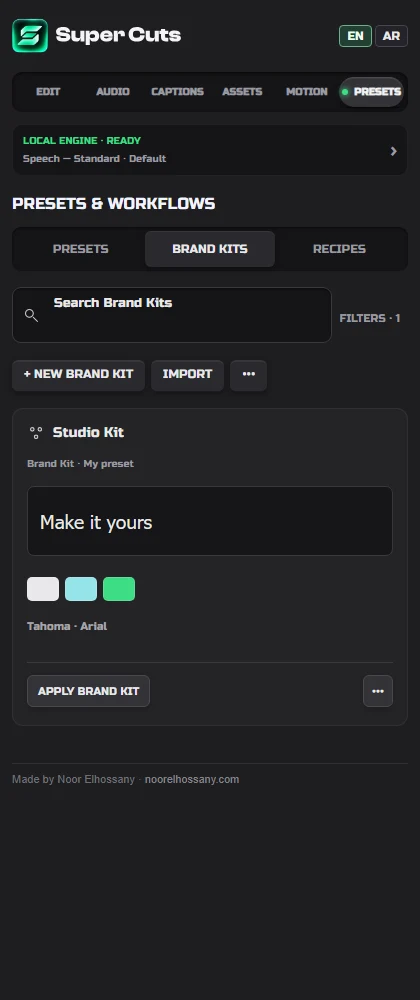
  • Presets · Brand Kits · Recipes
  • English & secondary Arabic fonts
  • Reusable branding
Super Cuts presets interface preview

INTERACTIVE SUPER CUTS DEMO

Take a look around.

Click the controls and see how Super Cuts changes the editing workflow.

Explore the demo ↗

MAKE IT YOURS

One purchase.
More room to create.

2 devices · All Super Cuts V1.x updates included.

Buy Super Cuts ↗Or start your 7-day free trial